

When creating a support ticket, please ensure you select the correct category for your request. This will allow your request to be resolved as quickly as possible.
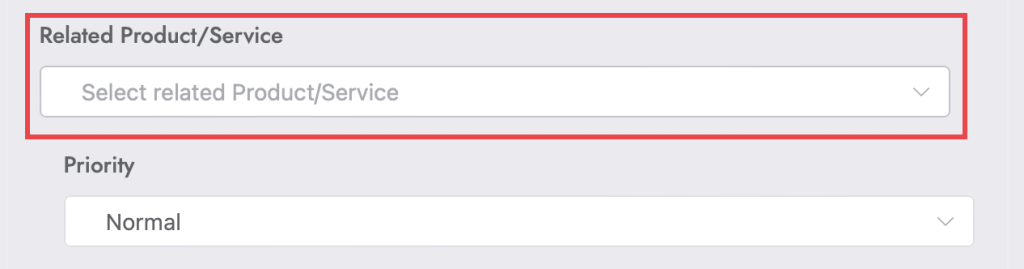
The category is entered in the ‘Related Product/Service’ field on the ticket creation page (see image).
| Category | Category Description |
|---|---|
| Domains | Domain-related queries |
| General Enquiry | For general enquiries and submissions |
| Other | Any other topic not listed |
| Report a Problem | Tickets for reporting general problems / problems not covered by other topics |
| Report a Problem > Content Issues | Tickets for issues related to website content |
| Report a Problem > Domain Issues | Tickets for issues related to domains, subdomains, aliases etc. |
| Report a Problem > Email Issues | Tickets for issues related to emails |
| Report a Problem > Service Issues | Tickets for issues related to other services, e.g. Social Media, Google Analytics, WordPress etc. |
| Report a Problem > Spam Issues | Tickets for issues related to spam emails / correspondence |
| Report a Problem > Website Access Issues | Tickets for issues related to problems assessing your website. Please set priority to ‘Critical’. |
| Request a Change | Tickets for requesting a change not covered by other topics |
| Request a Change > Content | Tickets for requesting a change to website content |
| Request a Change > Emails | Tickets for requesting a change to emails, e.g. new email addresses, quota limit updates etc. |
| Request a Change > Password Reset Request | Tickets for requesting a password change for WierdCheesecake Website Design-controlled. Most services allow for self-service password changes. Please set priority to ‘Medium’. |
| Request a Change > Services | Tickets for requesting a change to included services |
